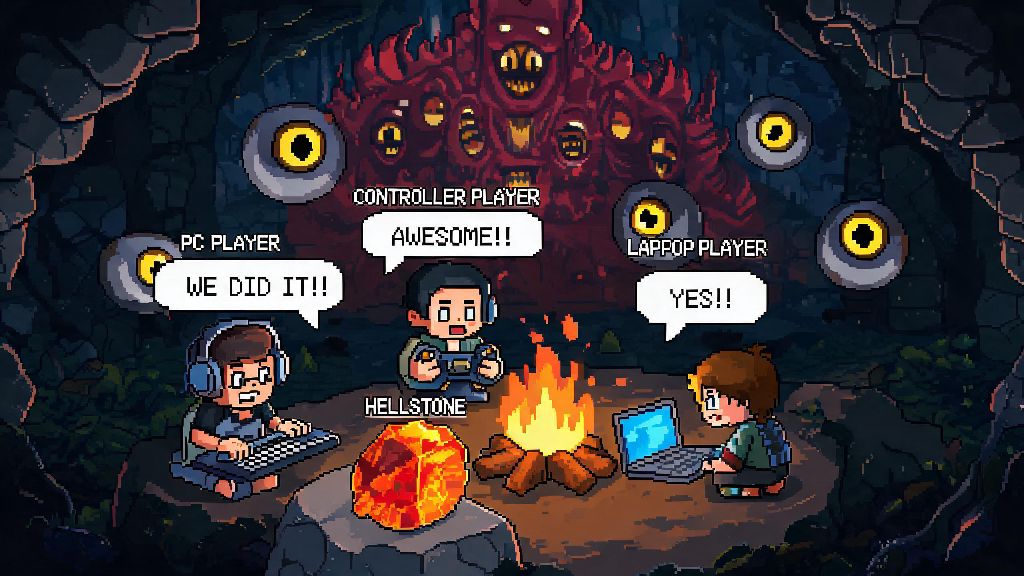
Imagine you just spawned into a friend’s pre-hardmode Terraria world, you just crafted your first set of molten armor, and you can’t wait to ask where the group is digging for hellstone. But you fumble with your controller or keyboard for 2 minutes, and by the time you figure out how to send a message, they’ve already defeated the Wall of Flesh and started hardmode without you. If that’s ever happened to you, learning how to chat in Terraria is one of the simplest, most game-changing skills you can pick up for multiplayer play. Chat works differently across platforms, has hidden built-in commands, and comes with a few common bugs that trip up even long-time players, so this guide breaks down everything you need to know to communicate smoothly no matter what device you’re playing on.
How to Chat in Terraria Across All Major Platforms
The exact button to open chat depends entirely on what device you’re using, and it’s easy to miss if you never bothered to check the control settings when you first started playing. PC (Windows/Mac/Linux) players can open the chat box by simply pressing the Enter key on their keyboard, typing their message, and pressing Enter again to send it. If you’re playing PC with a controller instead of a keyboard, hold down the right side of the D-pad to pull up the chat interface, then use the on-screen keyboard or a paired Bluetooth keyboard to type. Console players have slightly different controls: Xbox users press the View button, PlayStation users tap the left side of the touchpad, and Switch users press the Minus (-) button to open chat. Mobile players just need to tap the small chat bubble icon in the top-left corner of their screen to pull up the keyboard and type a message. Controller and mobile users should note that pairing a full Bluetooth keyboard to their device will let them use the Enter key to open and send chat, just like PC players, which saves a ton of time during fast-paced boss fights. You can also use chat to leave persistent notes for players who join the world after you log off, like warning them about a trapped chest near the spawn point or pointing them toward a hidden enchanted sword shrine.
Useful Terraria Chat Commands You Should Know
Chat isn’t just for sending casual messages to your friends, it also lets you run built-in commands that make multiplayer play way smoother. You don’t need admin or host permissions to use most of these, though some servers might restrict certain commands to prevent abuse. Typing a single / into the chat box will pull up a full list of commands available on the server you’re playing on, but these are the most useful ones to memorize for everyday play:
If you’re playing on a custom modded server, you might have access to extra custom commands, but the core ones listed above work on all vanilla Terraria worlds and most popular modded servers too.
How to Fix Common Terraria Chat Issues
Even if you know the right button to press, chat can glitch out sometimes, and it’s frustrating when you can’t get your message to send right before a boss fight. The most common issue is chat not opening at all, which usually happens on PC when you have another window open that’s taking keyboard input. Just click back into the Terraria window to fix it, and if that doesn’t work, head to your control settings to make sure the chat bind wasn’t accidentally reset. If your messages aren’t sending, it’s almost always because the server you’re on has chat restrictions for new players to prevent spam, or you’re using a word that’s blocked by the server’s chat filter. Cross-play chat is disabled by default on most public servers to cut down on toxicity, so you might only be able to send messages to players on the same platform as you unless you’re in a private friend’s world. If the chat box is covering too much of your screen during fights, you can adjust the chat size and transparency in the game’s interface settings to make it smaller or nearly invisible when you’re not using it. I’ve run into the chat not opening bug dozens of times after tabbing out to look up a boss strategy, and 9 times out of 10, closing and re-opening the game fixes it if checking your control settings doesn’t work.
Best Practices for Respectful and Useful Terraria Chat
Just like any other online space, Terraria chat has unwritten rules that make the experience better for everyone, especially on public servers with dozens of players. Don’t spam global chat with random messages or repeated item requests when you first join a server, most long-running servers have strict anti-spam rules and you might get muted or banned if you break them. If you’re sharing coordinates for a rare chest, boss spawn, or hidden base, make sure to specify what layer of the world it’s on (surface, underground, cavern, Underworld) so other players don’t waste 20 minutes looking in the wrong place. If you’re the host of a private world, use the chat to post clear rules for new players when they join, like no stealing from community chests or no blowing up the main base, so everyone is on the same page from the start. Never share personal information like your full name, address, or social media handles in public chat, even if you’ve been playing with the same group for a while, to keep yourself safe online. If you see someone being toxic or breaking server rules, you can use the /report command on most servers to alert admins, instead of engaging with them and cluttering up chat further.
At the end of the day, knowing how to chat in Terraria turns a fun single-player sandbox experience into a collaborative adventure where you can share tips, trade rare items, and plan huge group boss fights with people from all over the world. You don’t need any fancy equipment or mods to use it, just a quick press of a button depending on your platform, and a little basic etiquette to keep the space fun for everyone. I once used party chat to coordinate an 8-player fight against the Moon Lord, and we wouldn’t have beaten it on our first try without someone typing out reminders to use healing potions and dodge the final laser attack. Next time you jump into a multiplayer world, you won’t be stuck fumbling with controls trying to ask where the group is, you’ll be able to jump right into the conversation and enjoy the game with others.